
Data Centres & AI Infrastructure
What are the main infrastructure requirements for a data centre?
The seven things a data centre needs to work and the business decisions on load, growth and downtime that must come first.
Data Centres & AI Infrastructure
Plan from the IT load upwards, with credible growth scenarios rather than nameplate totals.
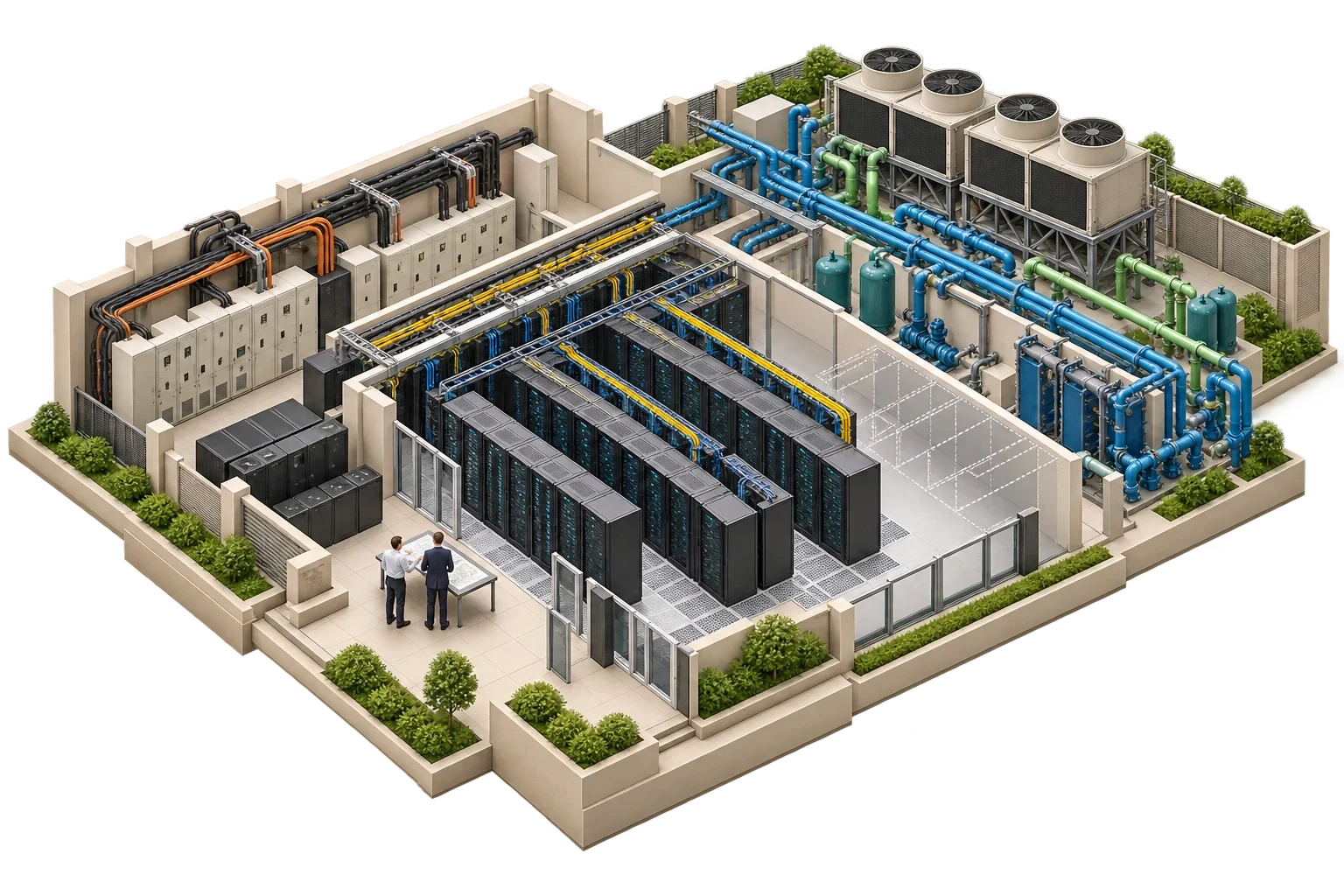
Power, cooling and space are one budget, not three. In an air-cooled room, as one GPU vendor's published design guide puts it, a shortage in one is paid for with another: limited cooling, for example, forces lower rack density and therefore more floor space.
Planning capacity therefore works from the IT load upwards. The starting point is how much power the IT equipment will actually draw, and how that load is spread across racks and over time. The electrical chain is sized to deliver it with the required redundancy, and the cooling to remove the same amount of heat at the densities where it occurs.
Nameplate ratings overstate typical load, yet some modern equipment runs close to its maximum for long periods, so neither shortcut is safe. The profile should be built from equipment schedules by rack, showing the manufacturer's maximum and expected operating power. It should group racks into density bands, typically many standard racks and a smaller number of high-density ones, and set out growth scenarios covering day-one load, expected growth and a credible upper case. It should also say whether the load is steady or varies with workload.
The figures must come from the manufacturer's specification for the specific product, never from a generic assumption. For accelerated computing in particular, check the vendor's site-preparation guide for the exact equipment you are buying; figures for one product generation do not carry over to the next.
From the IT load, the design works back through rack power distribution, floor distribution, UPS, switchgear, generators and the grid connection. Each part of the chain needs a redundancy topology, for example N+1 or 2N, chosen according to the availability target.
Some equipment imposes its own supply requirements. The same vendor guide is an example: its servers need a minimum number of power supplies to stay energised, which makes a conventional two-feed arrangement insufficient for those racks.
The IT load is not the only draw on the connection: UPS losses, cooling plant, lighting and controls all take power from it too. And while UPS and generator capacity can be installed in modules as load grows, the backbone (switchgear, cable routes and space) should be built for the final state.
Practically all the power delivered to IT equipment becomes heat. Cooling capacity has to match the IT load plus any other heat sources in the space, and it has to do so where the heat is actually produced.
The temperature envelope matters. The US Department of Energy's 2024 best-practice guide reproduces ASHRAE's thermal guidelines, with a recommended server inlet range of 18 to 27 °C for air-cooled equipment, and advises designing and operating within that recommended range. The wider allowable ranges mark only what equipment can tolerate. Pushing beyond the recommended range has a cost that is easy to miss. The same guide notes that inlet temperatures above the recommended range can make server fans speed up; in its example, a 30% rise in fan speed more than doubles fan power, because fan power rises with the cube of speed. The guide adds that in most cases the cooling-plant savings are still much larger, but the server-side penalty belongs in the calculation.
Cooling also has to follow the power redundancy scheme. Where a rack's load is shared across several circuits, cooling must be sized for the full load those circuits carry together, not for the capacity of any one of them, a point the vendor guide makes for its own racks. And above certain densities, air cooling becomes impractical and liquid cooling is needed; where that threshold lies depends on the equipment and the design.
| Item | Assumption | Load |
|---|---|---|
| Standard racks | 30 racks × 6 kW expected | 180 kW |
| High-density racks | 4 racks × 30 kW expected | 120 kW |
| IT load, day one | 180 + 120 | 300 kW |
| Growth allowance | Credible upper case +50% | 450 kW |
| UPS modules | 150 kW modules, N+1 at 450 kW | 3 + 1 = 4 modules |
| Cooling to reject (IT only) | Equal to IT load at full build | about 450 kW plus other heat in the space |
The figures illustrate the method and should not be read as a benchmark. Real designs add support loads, losses, diversity, ambient conditions and product-specific requirements.
Capacity planning does not end when the building is handed over. Actual power per rack and per circuit, inlet temperatures, cooling plant load and remaining redundancy all need tracking, and there should be an agreed process for approving new equipment against available power, cooling and space. Without one, a single dense deployment can eat the redundancy of a whole room unnoticed.
Suppose an operator wants to add six high-density racks to a room designed for an average of 5 kW per rack. The total room load stays within the UPS rating, so the change initially looks acceptable. A capacity review shows that the local cooling units serving that row cannot remove the concentrated heat, and that the new racks would use the UPS headroom that currently provides N+1. The options become clear: spread the racks, add rear-door or in-row cooling with liquid connections, or accept reduced redundancy explicitly. The decision is made with the numbers in front of the owner, while there is still a choice to make.
Every new item deserves the same test: its maximum power, supply arrangement and cooling method, taken from the vendor's own documentation and checked against what remains in the room. Pagin Consulting builds the load profile and capacity model behind that kind of review, working with the designers of the critical plant.
This article connects to our work on Our services.
We can discuss how this subject fits the project brief.
Contact Pagin Consulting