
Operations & Productivity
Which facilities management tasks can be automated?
Four tests for deciding which facilities tasks to automate, support with better information or leave manual.
Decide the system of record for each type of information before buying a category of system.
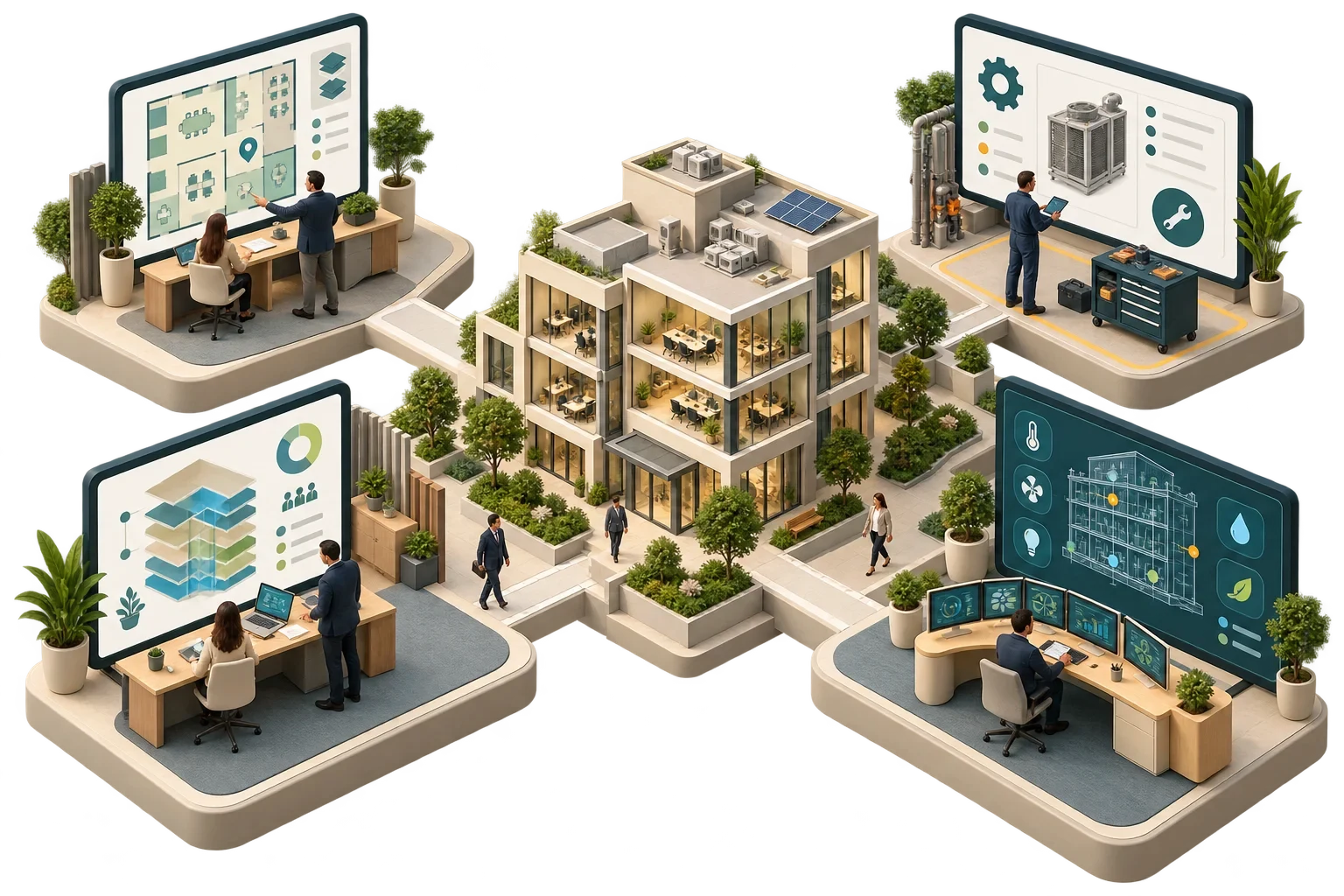
Each of the four acronyms stretches a little further than the last. A CMMS manages maintenance work and the assets it is done on. A CAFM system adds facilities services such as space, moves, helpdesk and room booking. An IWMS reaches further still, into real estate, leases, capital projects and portfolio planning. A smart building platform is a different kind of thing altogether: it works with live data from building systems such as controls, meters and sensors, and turns it into views, analytics and alerts.
In short, the first three are mainly systems of record for people, processes and assets, while the fourth is mainly a system for operational data. The choice that matters most is not which product to buy but which system holds the authoritative record for each type of information, because the trouble usually lies in the overlaps and gaps between systems, not in any one tool.
Of the four terms, only CMMS has a reasonably clear published description. The US Federal Energy Management Program (FEMP) O&M Best Practices Guide describes a computerised maintenance management system as management software that supports the management and tracking of operations and maintenance activities. CAFM, IWMS and "smart building platform" are market labels without a single agreed definition, and vendors use them differently. The comparison below is a way to structure requirements; not every product will fit it neatly.
ISO 41001 sometimes comes up in software discussions. The standard (ISO 41001:2018, with a revision under development) specifies requirements for a facility management system in the sense of a management system, meaning policies, processes, roles and performance evaluation. It does not describe software. Software can support an organisation aligned with ISO 41001, but buying software does not create one.
Scroll horizontally to read the full table.
| CMMS | CAFM | IWMS | Smart building platform | |
|---|---|---|---|---|
| Main purpose | Plan, assign and record maintenance work | Manage facilities services and space | Manage the real estate portfolio and workplace end to end | Collect, normalise and use live building-system data |
| Typical records | Asset register, work orders, planned maintenance schedules, parts, labour | Space and occupancy records, helpdesk requests, moves, bookings, often maintenance | Leases, property costs, capital projects, space, maintenance, sustainability reporting | Points, trends, alarms, meter data, sensor data, equipment relationships |
| Main users | Maintenance managers, engineers, contractors | FM teams, helpdesk, workplace teams | Real estate, finance, FM and workplace leadership | Operations engineers, energy managers, analysts, integrators |
| Data rhythm | Event by event: a job is raised, assigned, completed | Request by request | Transaction and planning cycles | Continuous, from seconds to minutes |
| Typical integration | Receives fault-driven requests; exports cost data | Shares space data with booking and access systems | Connects finance, HR and project systems | Reads controls, meters, IoT; sends alerts or requests to the CMMS |
The asset register is the first boundary to settle. It usually lives in the CMMS or CAFM, but a smart building platform keeps its own model of equipment and points. One of them has to be authoritative for asset identity, with a way of keeping identifiers aligned; if they diverge, alerts start arriving for equipment the maintenance system does not recognise.
Work orders belong in the CMMS or CAFM. A smart building platform can detect a fault and raise a request, but completing, costing and closing the job should happen in one place. Space data normally sits in CAFM or IWMS, while occupancy measured by sensors may sit in a smart building platform, so the two need a shared structure of building, floor and room identifiers. Live data and its history belong in the smart building platform or a historian. Copying trends into a CMMS is rarely useful; linking from the work order to the relevant trend is.
Handover data is the boundary new buildings can get right from the start. COBie, published in the US by the National Institute of Building Sciences, is one specification for organising space, product and equipment data so that it can be loaded into a maintenance system at handover. Whatever format you choose, specify it before construction starts.
The sounder route starts with processes and decisions. List the processes you need to support, which might include reactive and planned maintenance, helpdesk, space planning, room booking, lease management, energy management and fault detection. For each, identify the information it needs and who maintains it, and assign one authoritative system to each type of information.
Before buying anything, check what your existing systems already do well. FEMP warns against "feature overload", buying more functionality than the organisation can manage. Integrations should then be specified by data object and event, with an agreed owner for each interface. And the plan should cover data migration, training and a named owner for continued use; FEMP lists inadequate training and a lack of commitment to implementation and continued use among the common pitfalls of CMMS projects.
Draw a one-page map of which system holds the record for each type of information, based on how work is actually done today, before suppliers start presenting. Let it decide which category of system you are buying. The longest feature list is not a requirement.
This article connects to our work on Our services.
We can discuss how this subject fits the project brief.
Contact Pagin Consulting