
Strategy, Costs & Procurement
How much does a smart building system cost?
The cost lines that make up a smart building budget, why price benchmarks mislead, and how to make supplier quotations comparable.
Track each technology layer on its own timescale and group replacements with other capital works.
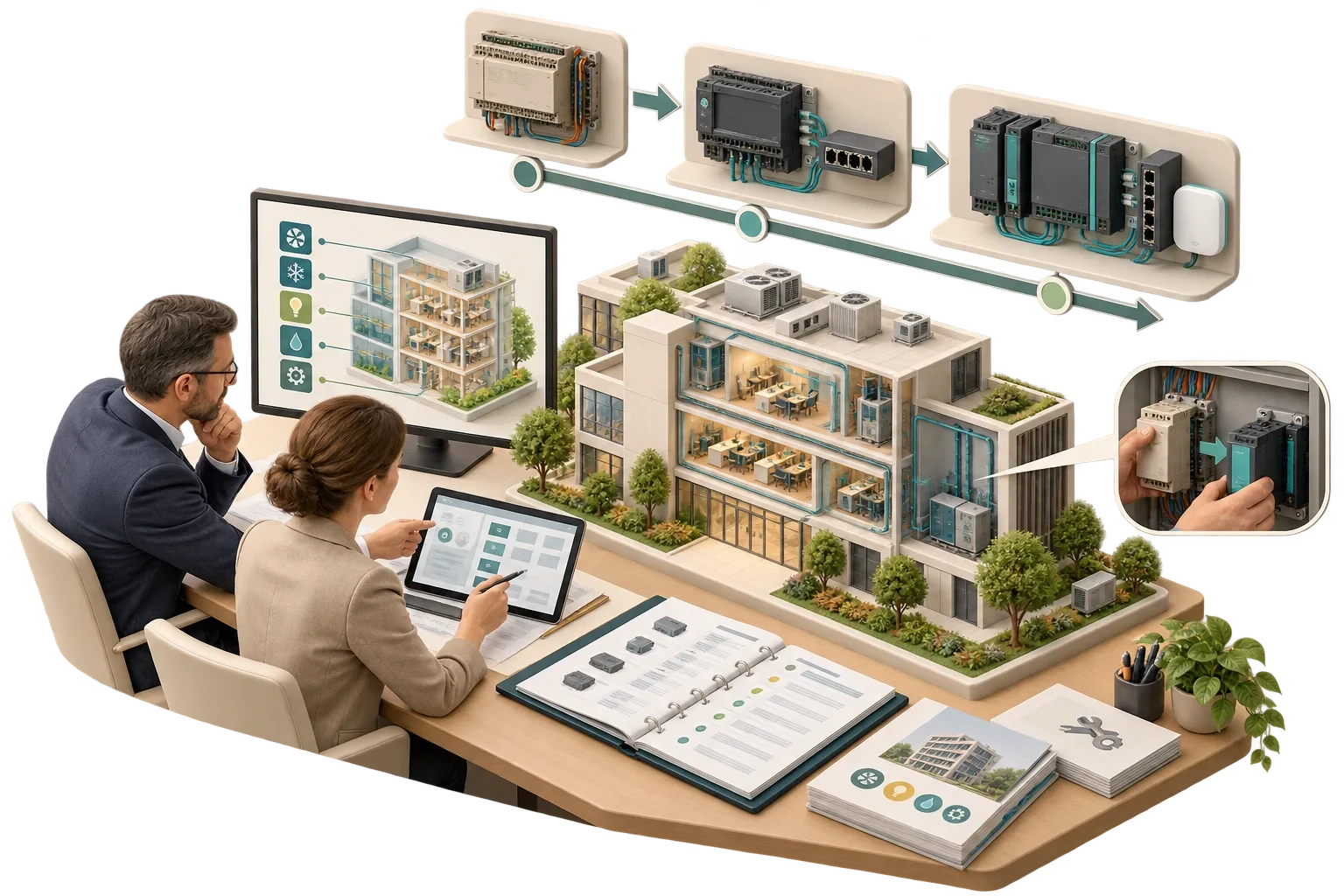
A building's technology wears out and falls out of support on several different clocks at once, and any replacement plan has to begin by recognising that. Cabling and containment can last for decades, controllers and field devices for many years, network hardware and servers for less, while software and cloud services change continuously. Planning replacement means keeping a register of every system with its installation date, support end date and condition, setting clear triggers for replacement, and grouping replacements into planned projects that line up with other works. Technology renewal then becomes a recurring, predictable line in the building's lifecycle budget, and the most useful single habit is to ask for support end dates before you buy.
NIST's guide to OT security (SP 800-82) contrasts typical IT component lifetimes of three to five years with operational technology lifetimes of ten to fifteen years or longer. A building contains both, layered one on another:
| Layer | Examples | What usually ends its life |
|---|---|---|
| Passive infrastructure | Cabling, containment, risers, equipment rooms | Physical change of use, damage, or new performance requirements |
| Field devices | Sensors, actuators, meters, valves | Wear, loss of calibration, failure, lack of spares |
| Controllers | Plant and room controllers, gateways | Manufacturer end of support, lack of spares, security weaknesses |
| Network and server hardware | Switches, wireless access points, servers | Vendor end of support, capacity, security updates ending |
| Operating systems and software | Supervisory software, databases, analytics | Version end of support, compatibility with newer components |
| Cloud services and subscriptions | Platforms, apps, remote services | Supplier changes, contract terms, service discontinuation |
What sets the useful life of a layer is often support, not physical condition. A controller can work perfectly for years after its manufacturer stops issuing firmware updates, yet by then it may be impossible to secure, repair or integrate with newer systems.
The register is the instrument the whole plan depends on. For each system and major component it records:
Owners who already plan the replacement of plant and building fabric have a framework to hand. ISO 15686-1 (2011 edition, with a revision in progress) sets out general principles and a framework for service life planning of buildings and their components, systems and building services across the life cycle. Technology belongs in that same plan, running on its own shorter cycles.
The EU Cyber Resilience Act will require manufacturers, from December 2027, to state a product's support end date at the time of purchase. CISA's Secure by Demand guidance for buyers of operational technology similarly suggests asking whether manufacturers publish end-of-life dates for their products. There is no reason to wait for the regulation: asking for this information in every procurement now turns lifecycle planning from guesswork into a schedule.
Clear triggers mean decisions are taken on evidence. The strongest is the end of security support for a networked component, where no compensating control, such as isolation, is adequate. Unavailable spares for a component whose failure would cause a significant loss of service is another, as are rising failure rates or repair costs. A component may also need replacing because it blocks a required use case or integration. And sometimes the trigger is opportunity, when other works such as plant replacement or refurbishment make the technology change cheaper.
Replacement does not always mean like-for-like. Where the existing design is sound and a supported equivalent exists, a straight swap is right. Where the opportunity allows a better design, such as a move to open protocols or an independent data layer, migrating to a different product or architecture may be worth the extra effort. An unsupported component can sometimes be isolated and kept going, placed in a tightly controlled network segment with spares held and replacement planned for the next opportunity; that buys time but adds risk, and should be a documented, time-limited decision. And functions nobody uses any more can be retired.
The RIBA Smart Building Overlay to the Plan of Work notes that smart building technology may need upgrading more often than traditional building components, and recommends designing in physical and system capacity to allow future installation or upgrade. Where downtime is expensive, it suggests defining a system lifespan to inform the technical specification. Both make later replacement cheaper.
Replacements are best grouped into coherent projects: supervisory software and servers replaced together with the network equipment that serves them, for instance, or room controllers replaced floor by floor in step with a refurbishment cycle. The one thing to avoid is replacing a central component without checking the compatibility of everything that depends on it.
The register then becomes a rolling plan, with budget estimates for each year, reviewed annually.
A register is only useful while it is current. It should be updated whenever anything is installed, changed or replaced, with support dates reviewed at least once a year, and keeping it up to date should be a contractual obligation on maintenance and integration suppliers.
Which components lose support soonest? Their replacement belongs in next year's budget round, alongside the other capital works. Pagin Consulting sets up the register for a building or a portfolio; kept current by the people who run the building, it turns replacement from a series of surprises into a programme.
This article connects to our work on Our services.
We can discuss how this subject fits the project brief.
Contact Pagin Consulting